Your next gifting step.
Built around your store.
Start small, create a branded experience, or organize gifts across addresses. Find a practical setup, see the workflow, and check what your team needs before launch.
What would you like
gifting to do?
Choose your goal. Start with the services your store can deliver, then build from there.
A small offer. A complete launch.
Start with one wrapping option and a physical card your team can supply. Add more services after you have tested the first order.
Basic · $3.99 USD/monthPersonal-message usage is separate.
- Prepare
- Choose your packaging, photograph it, set a price, and show your packer where to find the selection.
- Measure
- Track paid gift-option sales against material cost and packing time.
Before you launch: Can my team prepare every option we make available?
Will it fit
your store?
Use this review before going live. These are setup requirements and checks—not a certification of your theme or other apps.
Storefront entry
Configuration + store testEnable the app embed and supported product, cart, or cart-drawer entry. Test the exact theme and drawer used by your shoppers.
Review guidanceProducts and availability
Configuration + store testActivate options with pictures, enable the service, and check product eligibility. Physical supplies and preparation remain your responsibility.
Review guidanceCurrency, language, and other apps
Needs store testReview actual option prices and shopper copy in every market you serve. Test discounts, bundles, subscriptions, and other cart apps you rely on.
Review guidanceMultiple addresses
Pro + destination testUse PrepMyGifts Pro, configure shipping and inventory handling, and review recipient orders. Stock checks do not reserve inventory.
Review guidanceGift-card checkout
Growth + permissions + delivery readinessApprove current app permissions in Shopify. In Gift cards, confirm delivery and balance tools are connected. Managed checkout remains unavailable while delivery setup is not ready.
Review guidanceAI card artwork
Capability + saved brandingCheck that artwork generation is available in Designs. Save your logo and branding before generating; publish a design before shoppers can see it.
Review guidance0 of 6 areas reviewed by you. This checklist stays on this page; no automatic compatibility tests have run.
Unsure about your theme or workflow?
Contact support with your theme name, cart type, and the services you want to offer. Confirm any store-specific setup or delivery requirements before launch.
Ask a setup questionSee the work.
Then choose.
Inspect real product captures and try the same setup, shopper, and order patterns with sample data. You can evaluate the workflow before connecting a store.
Demonstrations are labeled examples. They do not represent a merchant endorsement or measured business result.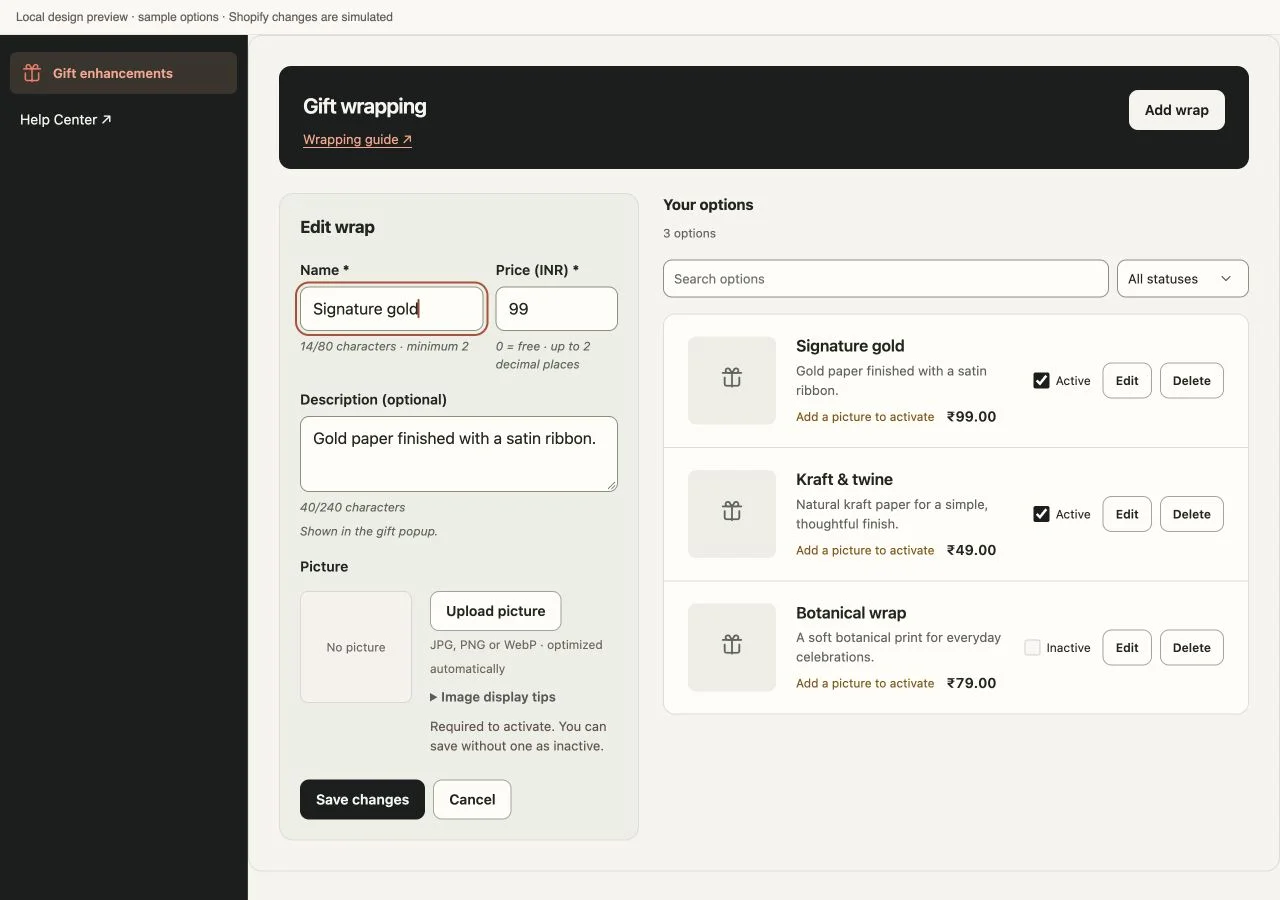
Switch with a plan.
Keep existing orders clear.
A workflow checklist for moving from another app. Catalogs, message history, scheduled deliveries, and gift-card balances are not promised to transfer automatically.
Map your current offer
List your options, prices, placements, fees, scheduled messages, and outstanding gift orders. Identify which app or service owns each one.
Recreate and test
Configure the options you want to offer in PrepMyGifts. Check cart additions, prices, shopper access, and fulfillment in a controlled theme preview.
Plan the handover
Agree who will service old purchases and pending deliveries. Avoid duplicate storefront prompts. Compare billing and cancellation terms in both apps.
Launch and verify
Switch the intended entry points, place a complete test order, and confirm the packing and finance teams can follow it. Remove old tooling only when its remaining responsibilities are resolved.
A clear plan
for getting started.
Use the setup guides for a self-service launch. Concierge adds personalized onboarding and priority live support. Custom requests are scoped with the team; larger builds and third-party integrations are quoted separately.
- Your team brings
- Packaging and products, option images and prices, theme access, and an owner for testing and fulfillment.
- Concierge requests
- The 48-hour delivery window begins after scope and required access are confirmed. Review support terms.
- Bring these questions
- Your theme and cart type, enabled markets, other cart apps, and whether you need multi-address shipping or gift-card delivery.
- Before going live
- Approve the app terms in Shopify, complete the relevant setup, and test the whole purchase and handoff using recipient details you control. Review the privacy policy before approving access.