Enable PrepMyGifts in your Shopify theme
Enable the PrepMyGifts app embed in the theme shoppers actually use.
How to use it
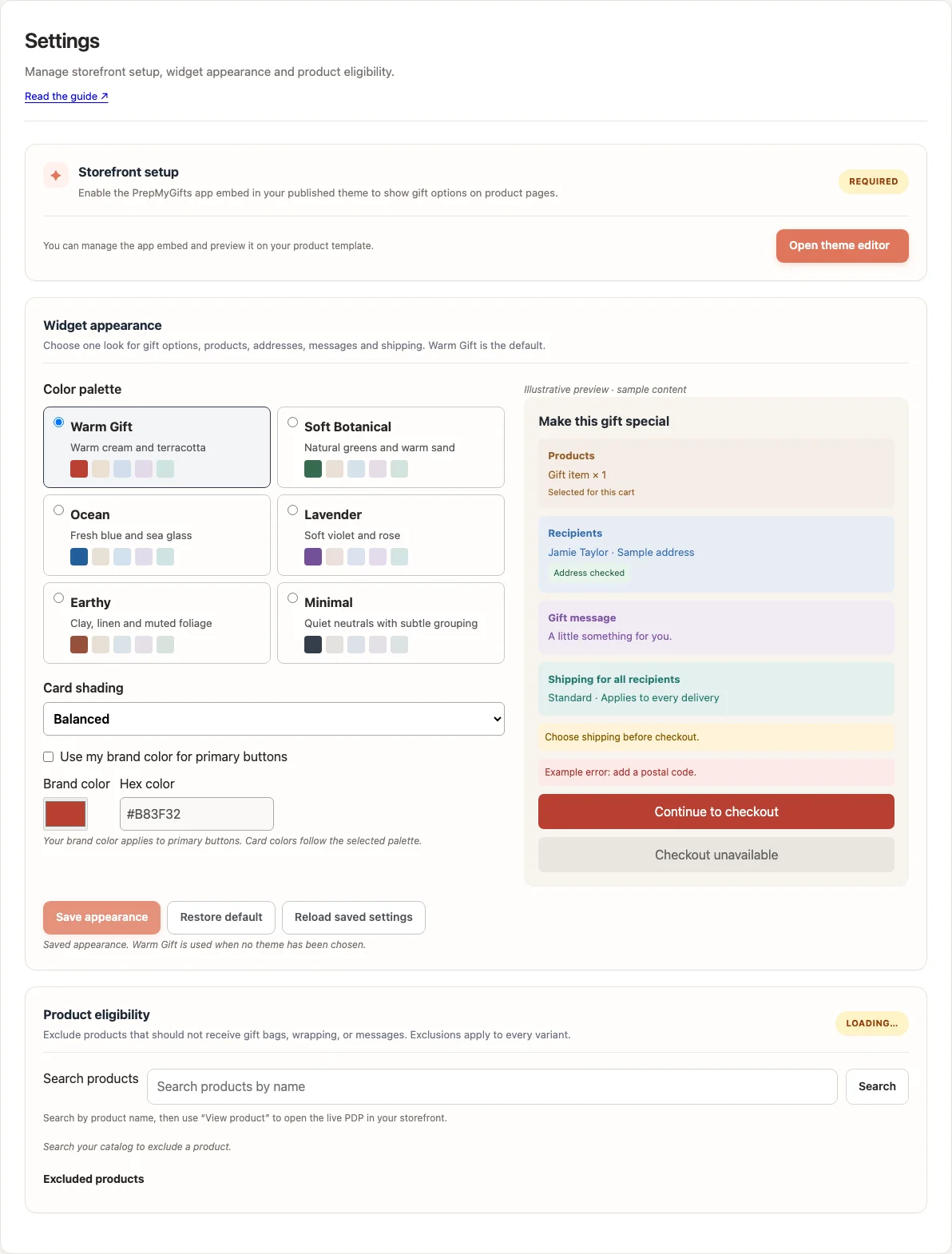
- In PrepMyGifts, open Settings and find Storefront setup.
- Choose Open theme editor. Confirm you are editing the published theme or the theme you intend to publish.
- Enable the PrepMyGifts app embed and save the theme.
- Preview an eligible product and open gift options from the storefront.
Where to find it
What to know
Theme changes need Shopify’s Save action. Configuring an unpublished theme does not change the live storefront.
Gift options can still be hidden by Home feature switches, inactive options, product exclusions or subscription status.
What happens next
The theme can display the configured gift experience. Test a real product and cart after saving.
Was this helpful?
Still need a hand? Contact support below.